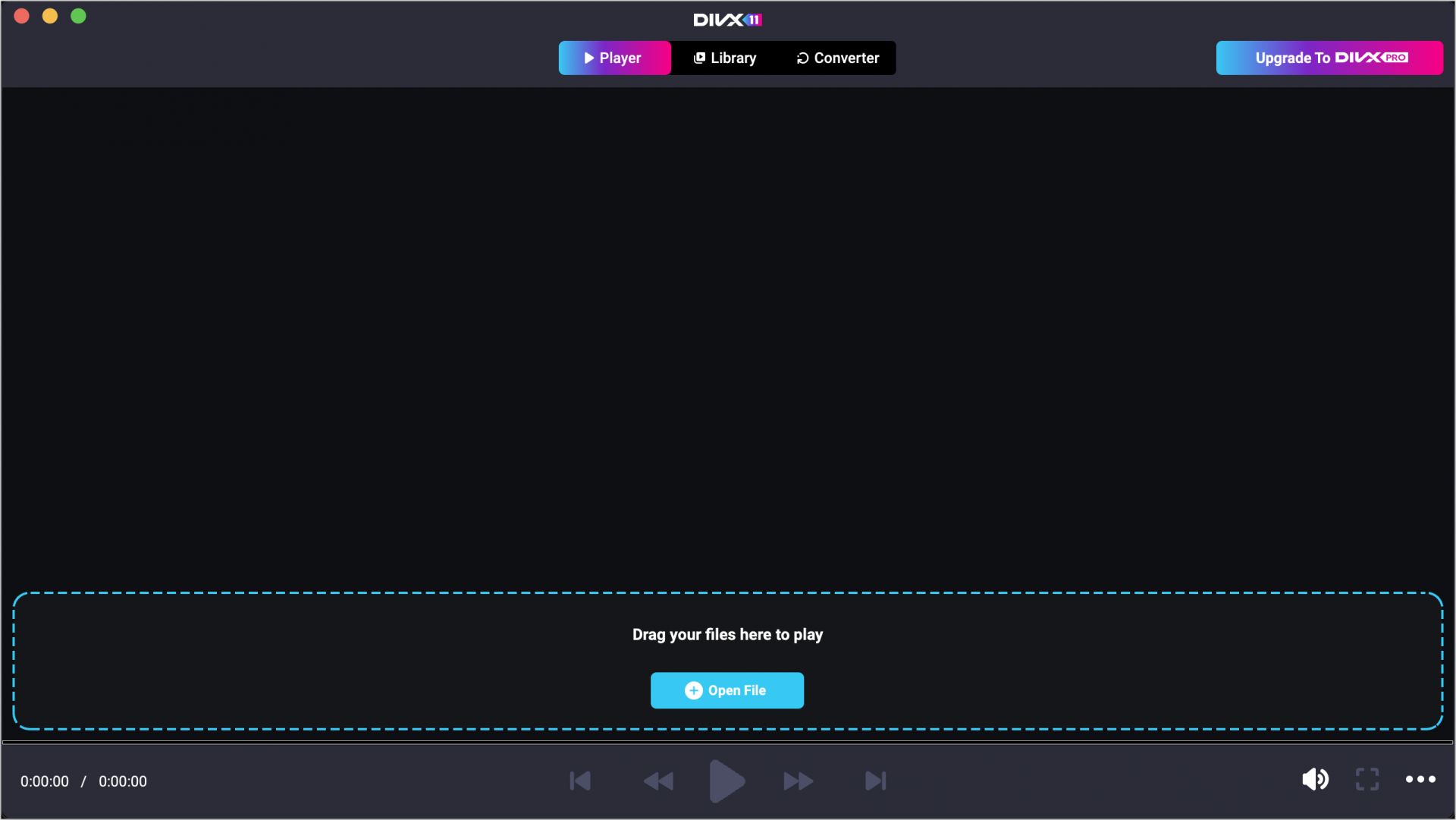
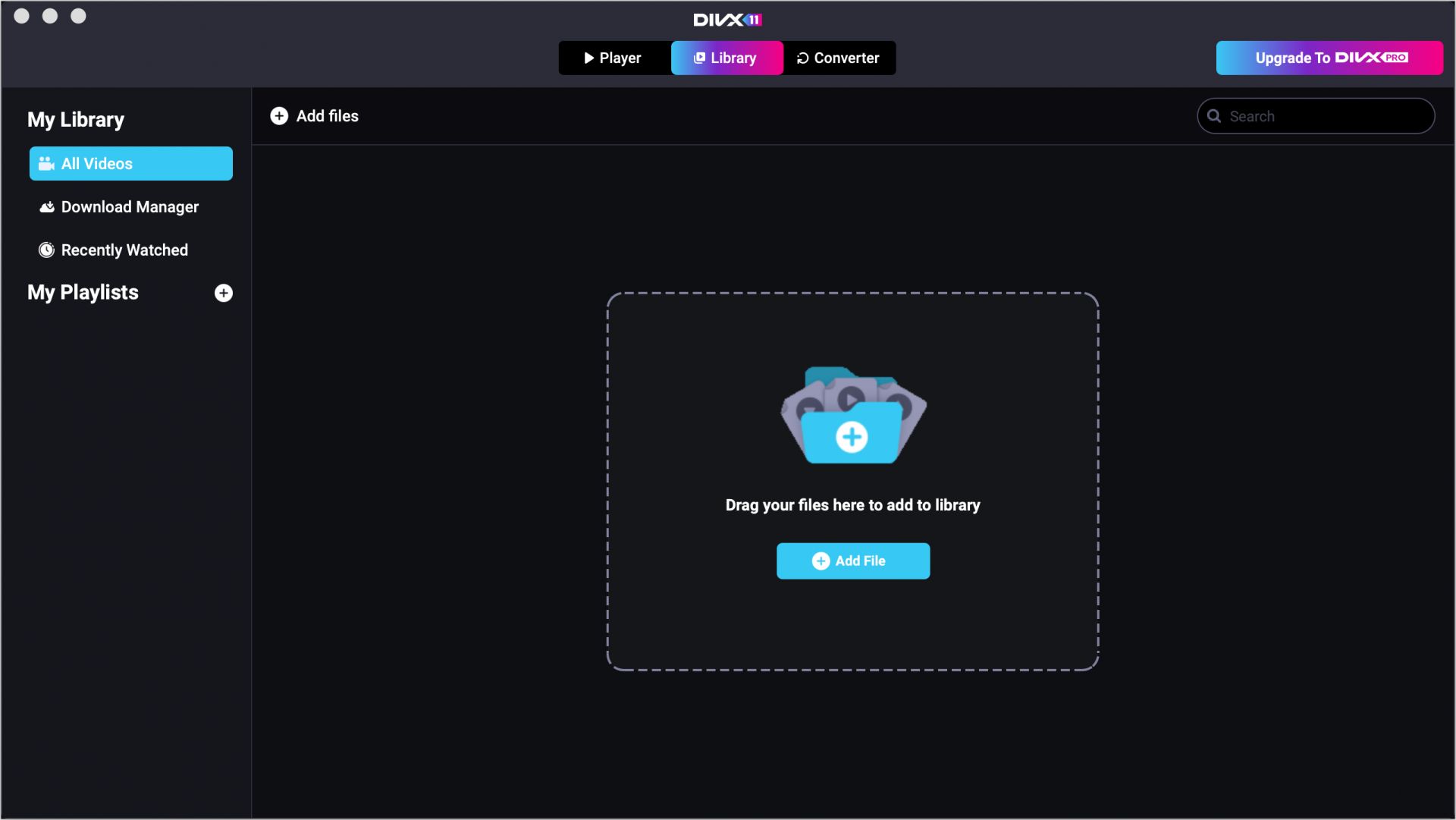
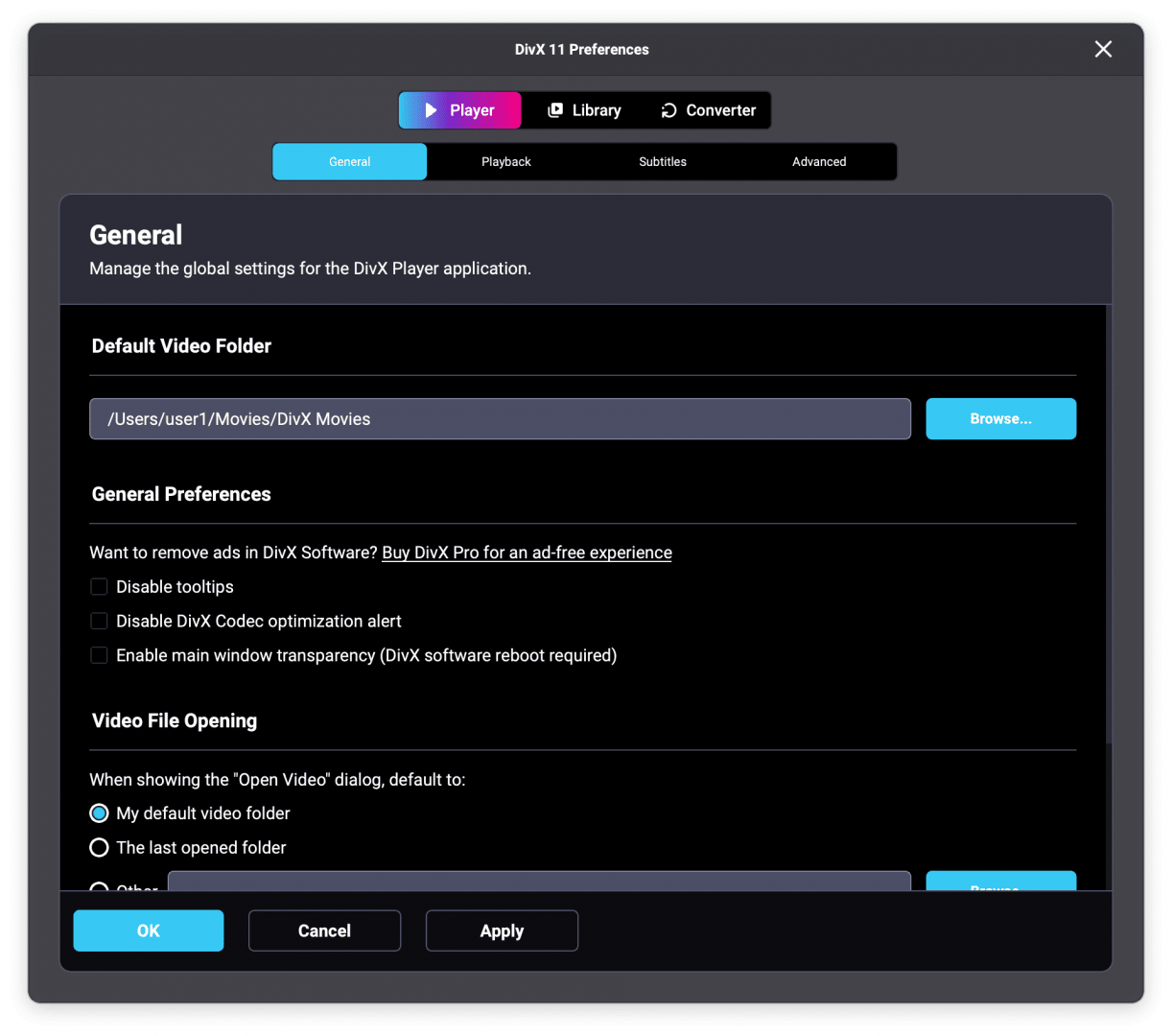
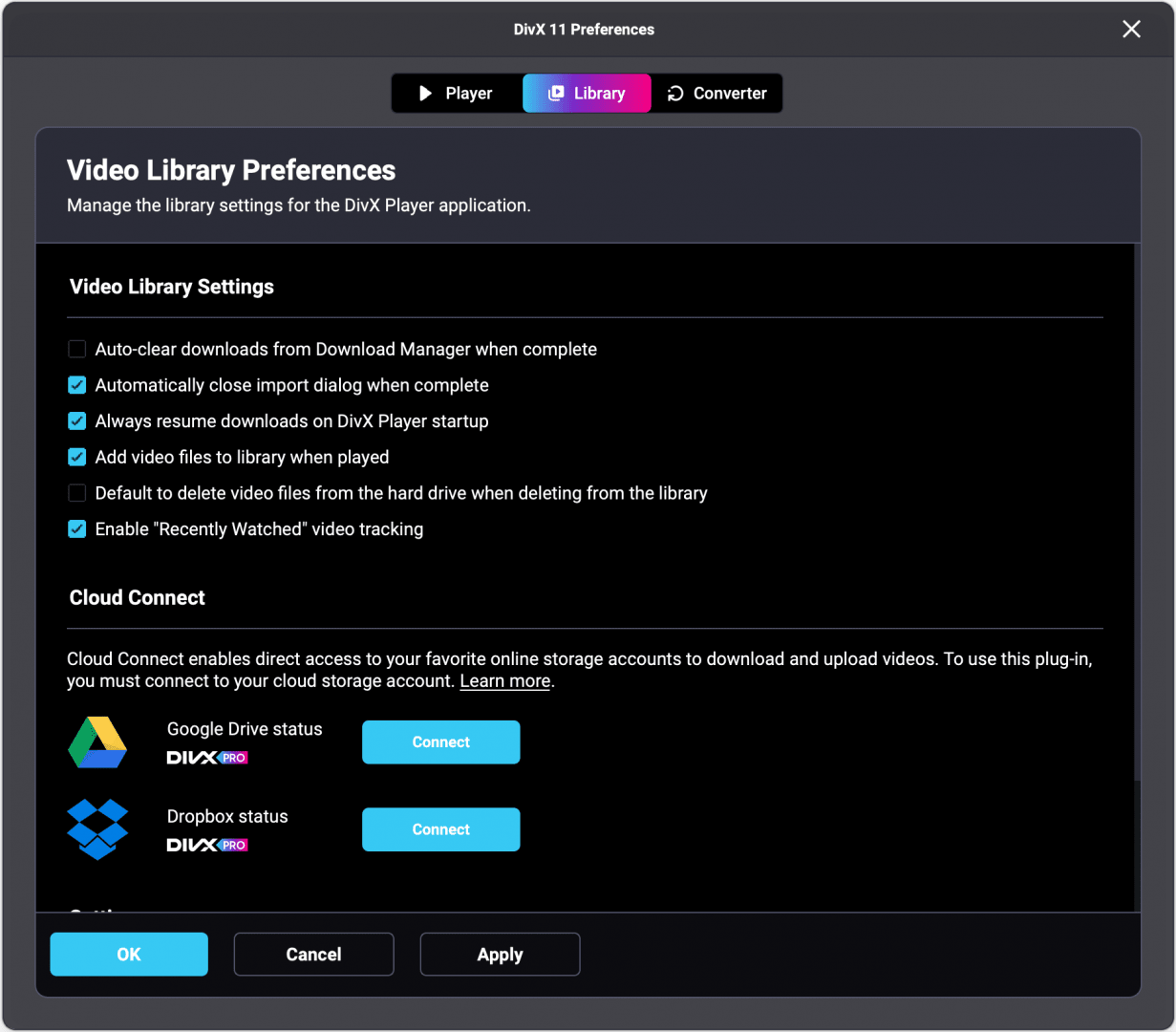
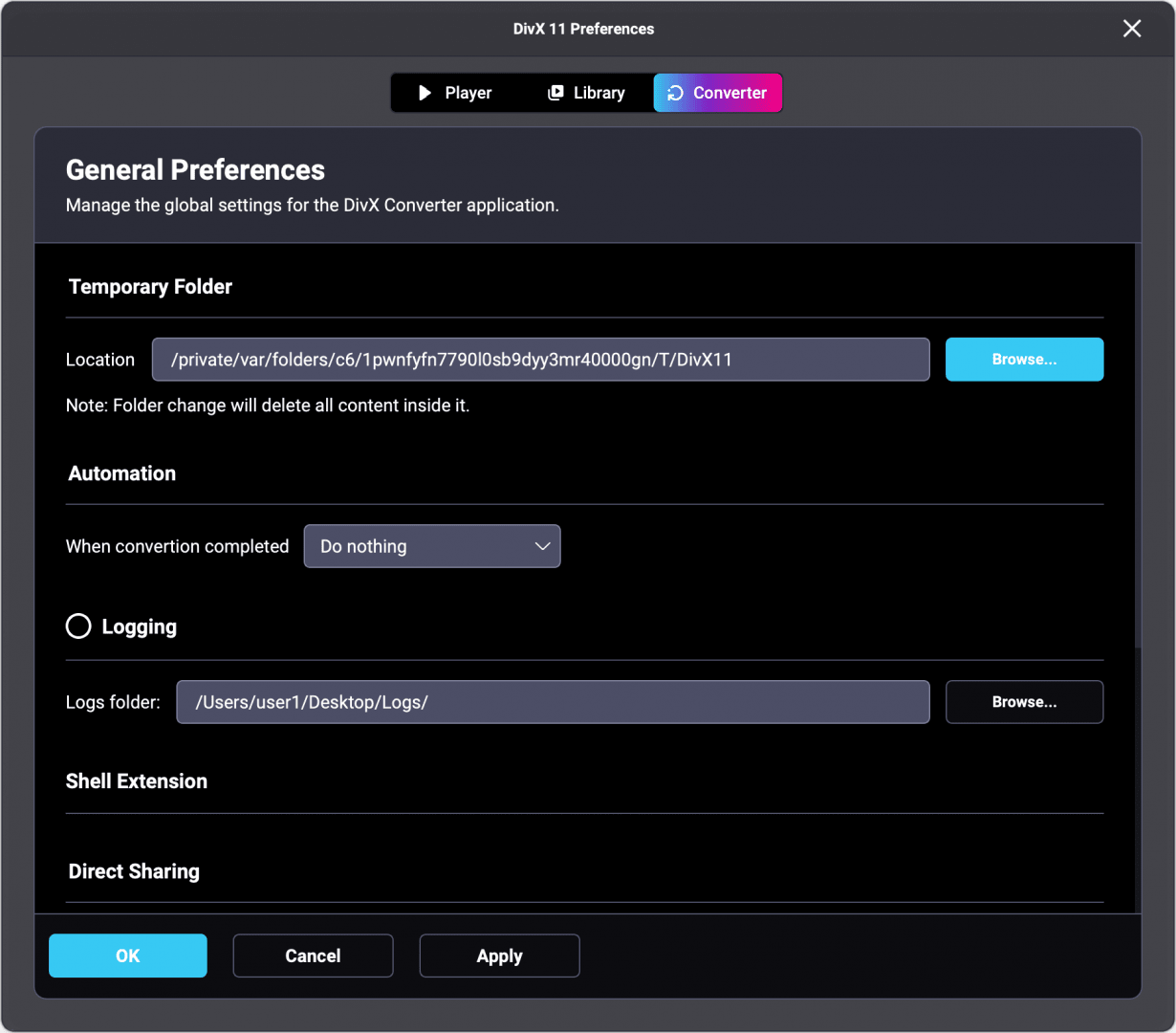
DivX for Mac is a versatile media player that allows users to watch videos and convert formats for device compatibility. It brings forward a long legacy of codec innovation with a tool that goes beyond simply playing videos. You can watch any video file, convert videos, and even stream content across networks within a simple application.
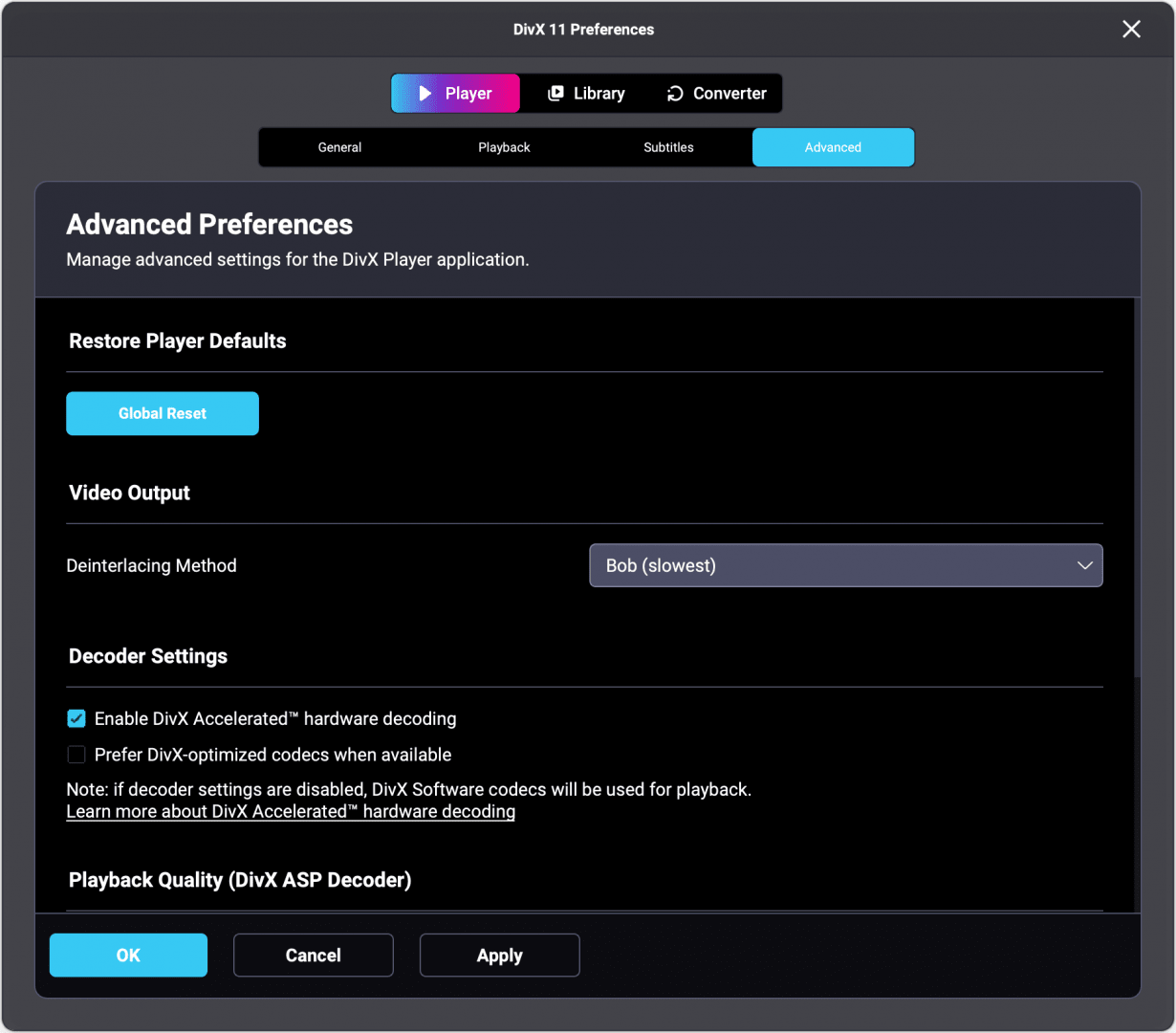
If you are tired of macOS’s native player, then you will find DivX to be a breath of fresh air and the solution to your media playback problems. It fills the gap left by native software regarding format support. This media player brings support for AVI, MKV, MP4, DivX, and more, including high-resolution files with hardware-accelerated decoding on supported systems. Whether you are a casual viewer or an avid movie watcher, this app will handle it all for you.
Format support, playback, and performance
DivX’s biggest strength is its wide format compatibility. If you are wondering about the formats it covers, here they are:
- AVI, DivX, and XviD
- MP4 and M4V
- MKV with multiple audio/subtitle tracks
- 4K and high-bitrate content
- Audio formats like MP3, AAC, and AC3
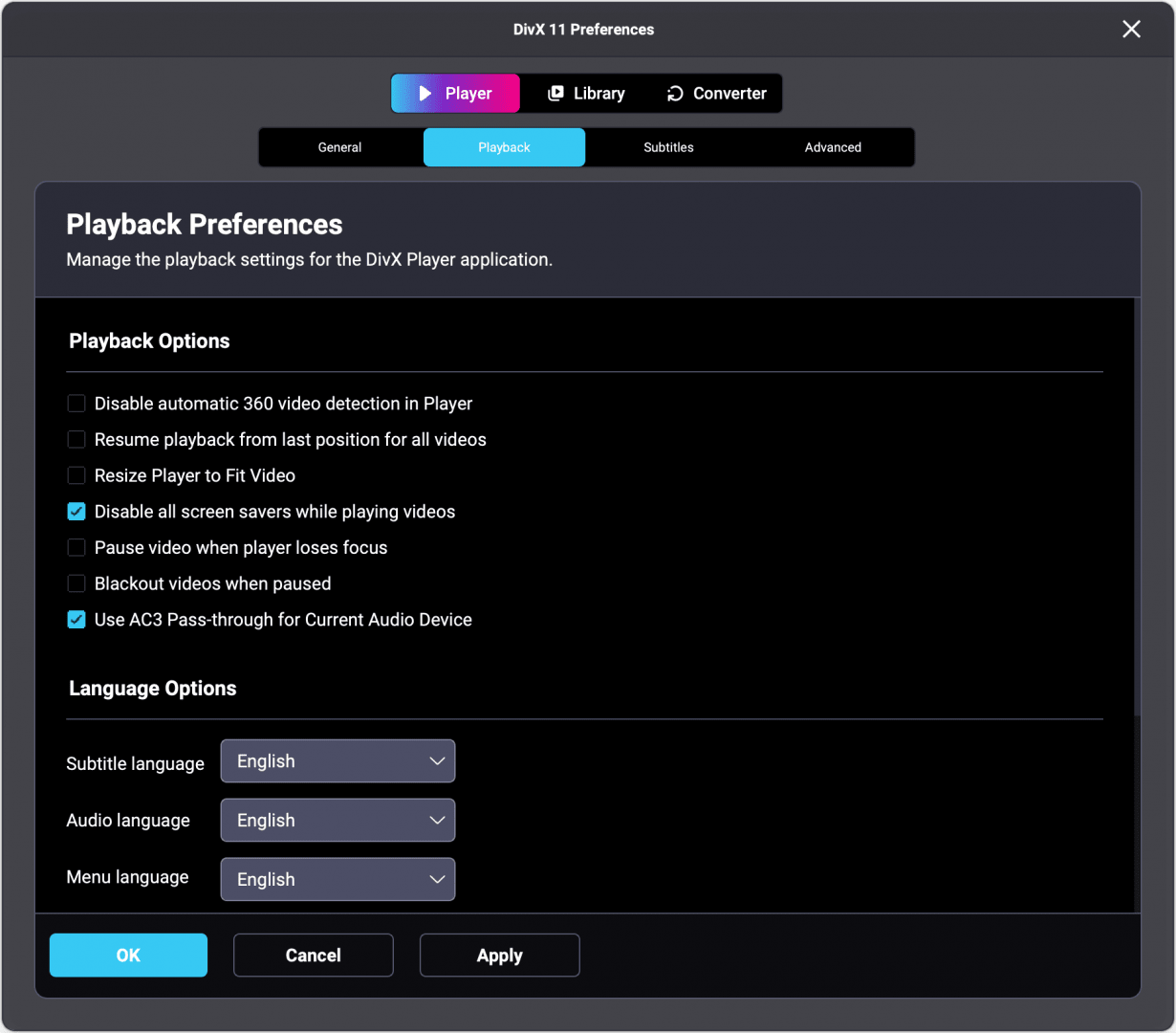
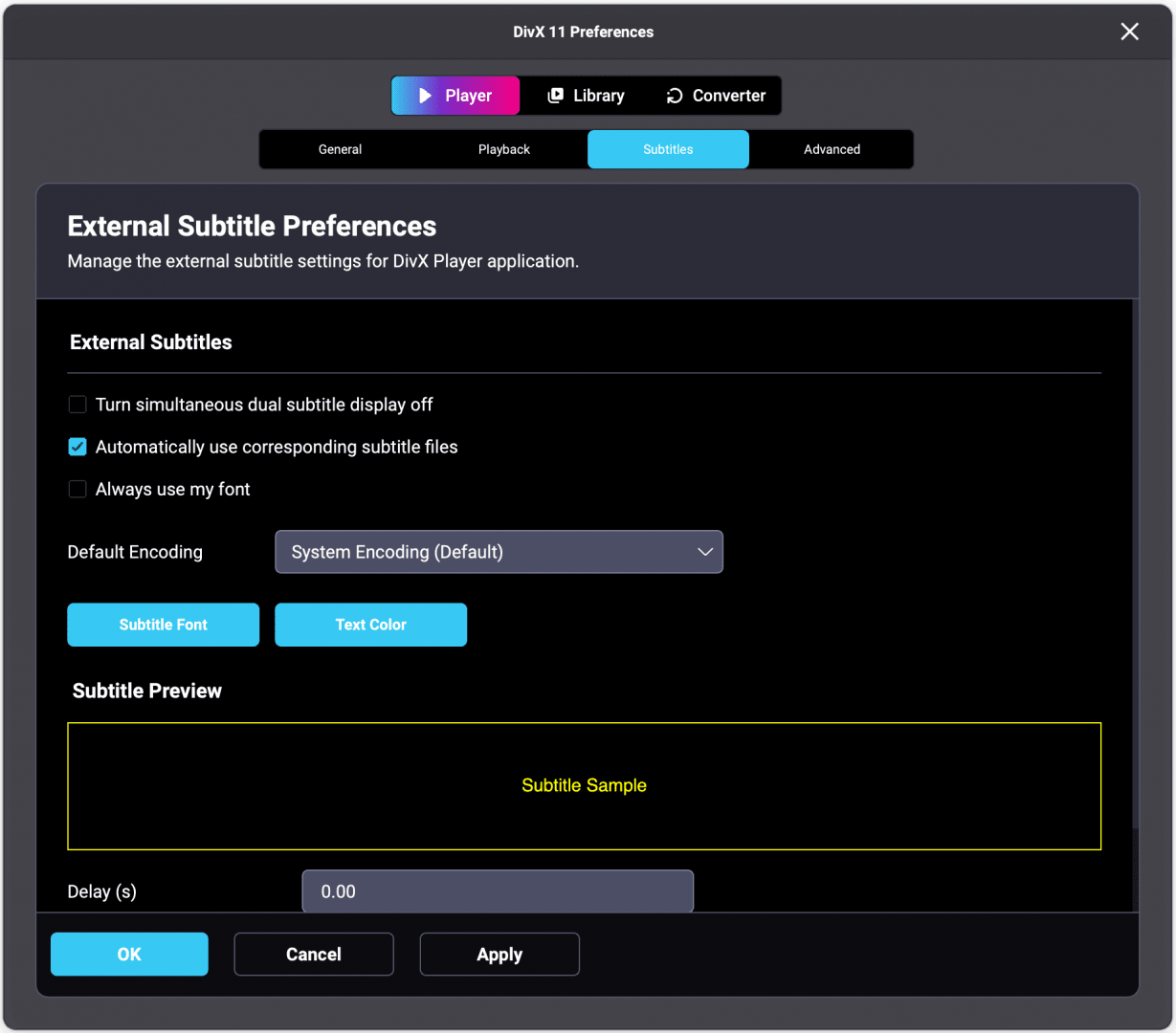
It offers you smooth and responsive playback even with high-resolution content and large files. In the menus, you will find options like subtitle selection, audio track switching (in case of multi-audio content), aspect ratio adjustment, speed control, and more.
However, Mac users should note that the application does not yet offer native support for Apple Silicon (M-series chips). While it runs adequately through the Rosetta 2 translation layer, it is not as heavily optimized for battery life and efficiency as native macOS players.
Conversion, streaming, and extras
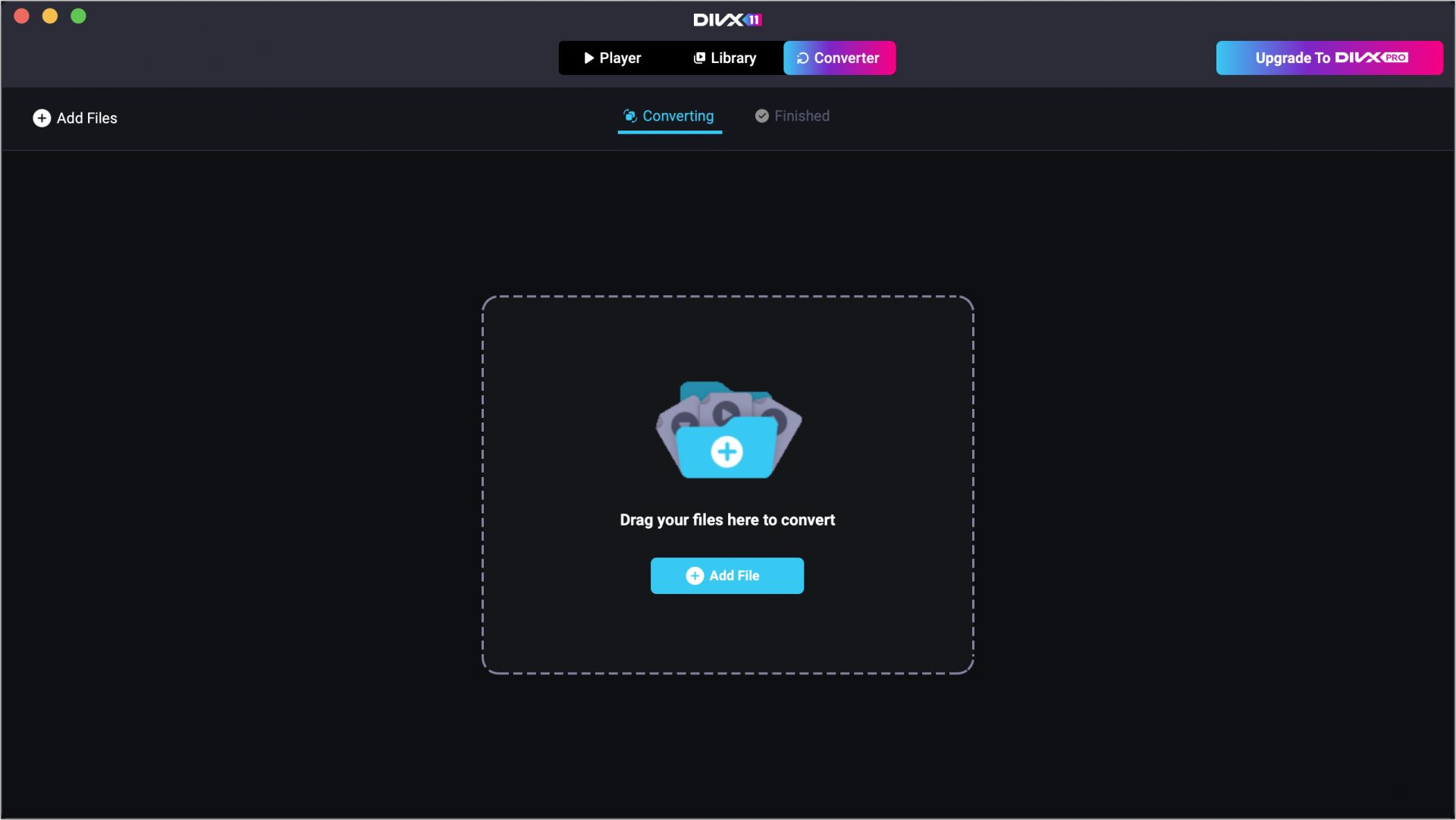
DivX is not merely a video/audio player. It also includes a built-in converter, which is incredibly useful for preparing media for different devices. The key features of the converter include:
- Drag-and-drop file conversion
- Device-specific presets (iPhone, iPad, gaming consoles)
- Encoding options for quality vs. size tradeoffs
- Batch conversion support
Do note that the free version only includes basic conversion and contains advertisements. If you want to use advanced conversion or remove the ads, you will have to pay for DivX Pro. These tools are especially useful for users who need to optimize their media libraries or prepare content for sharing or mobile playback.
When it comes to network streaming, DivX handles it through its dedicated media server, which allows users to stream videos, music, and photos from their Mac to compatible devices on the same network (Chromecast, Roku, Apple TV, etc.). This adds a layer of convenience and media accessibility without having to rely on third-party apps.
A well-rounded media utility for Mac users
If you are looking for a media player that not only performs well but also supports all the major codecs and formats while offering a built-in converter, then look no further. DivX for Mac is the one for you. It offers you a solid and dependable player and converter at the same time.